Turn Cloud Mac Workflows into Executable Steps
Explore practical methods for configuring, connecting to, building on, and operating Apple Silicon physical nodes. Each article focuses on real-world constraints, helping developers reproduce environments, diagnose issues, and keep pipelines running reliably over time.
Engineering Practice Notes
Listed chronologically by publication date, with the latest content first.

For developers and CI operators facing failed builds, archives, or recurring disk alerts on a remote Mac. Learn how to identify the actual disk consumer, clean only data confirmed as rebuildable, and verify recovery before changing runner or host capacity.
For platform engineers and release teams, this guide explains what Apple has confirmed about Xcode 27.3 beta and TestFlight. It gives you a role-based verification path for build, distribution, QA, and access controls, while keeping production submission eligibility separate.

If Apple Motion 6.4 reports a missing filter, first confirm that the problem is an effect rather than offline media or substituted text. This guide walks you through checking dependencies, testing a project copy, verifying recovery, and deciding whether a remote Mac fits your workflow.

For IT, finance, and CI teams managing multiple iOS apps, this guide explains how to distinguish Xcode Cloud usage records from billed costs. You’ll get role-based allocation rules, verification steps, and a review checklist for reconciling usage, invoices, and budget assumptions.
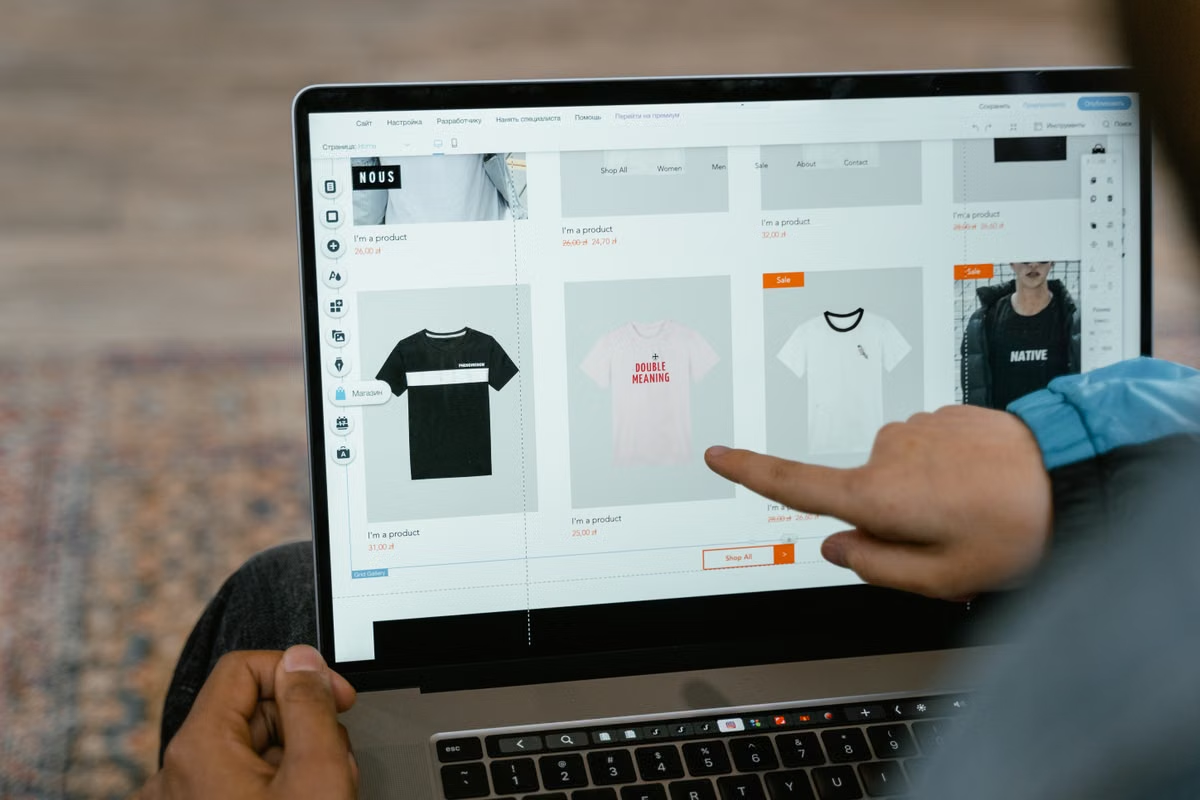
This guide helps Shopify store owners, operators, and launch leads decide whether a Canvas theme is ready to publish. It covers eligibility, theme copies, product pages, localization, app compatibility, browser checks, and rollback planning.

This guide helps students tell an account permission problem from a school device policy or a course requirement. It explains whom to contact, how to keep learning with approved tools, and when an authorized remote Mac may be worth considering.

Windows can handle the artwork preparation, but it cannot run Icon Composer natively. This guide separates the designer, Mac operator, and developer tasks, then gives you a compatibility check and handoff process for deciding whether a remote Mac fits your project.

This runbook helps iOS developers locate why fastlane match fails after moving signing work to a remote Mac. Follow the failure stage, verify the build user's Keychain and profile mapping, then validate the actual archive before changing shared signing assets.

For routine, automatable builds and tests, start with a GitHub-hosted macOS Runner. This guide compares that option with a self-managed remote Mac for individual researchers, lab teams, public repositories, and release workflows, with practical steps for making the choice safely.
If you run occasional iOS builds and want little infrastructure work, start with a GitHub-hosted macOS runner. This guide compares workload, environment control, maintenance, and security, then gives you a staged way to evaluate a self-hosted Mac runner.

Seed Keychain records with an older build, install the new build without erasing state, and verify access groups, queries, migration markers, and error handling.

Treat XCTestPlan as source-controlled test infrastructure and catch accidental changes to targets, skipped tests, environments, and parallel execution before they reach CI.

Separate public iOS environment settings with layered xcconfig files, then verify resolved build settings and scan archives before they leave CI.
New Articles in Preparation
Our engineering guides are being compiled. In the meantime, review the available configurations or follow the troubleshooting paths for first-time connection and ongoing operations.
OpenClaw Engineering Series
A continuous series of deployment, validation, and operations notes centered on the same toolchain.
New Articles in Preparation
This series has not been published yet. Start by reviewing the solution scope and basic connection process.
Hand Your Next Build to a Consistent Environment
Choose M4 or M4 Pro, a rental term, and a node in one of four locations. Configuration and pricing are shown in full before you confirm the order; actual availability is based on the live status returned by the console.